Photoreal or Nothing: My Product Visualization Workflow
Great product CGI doesn’t just look real. It makes people want the thing.
share
date
21.02.2025
words
Zebraa
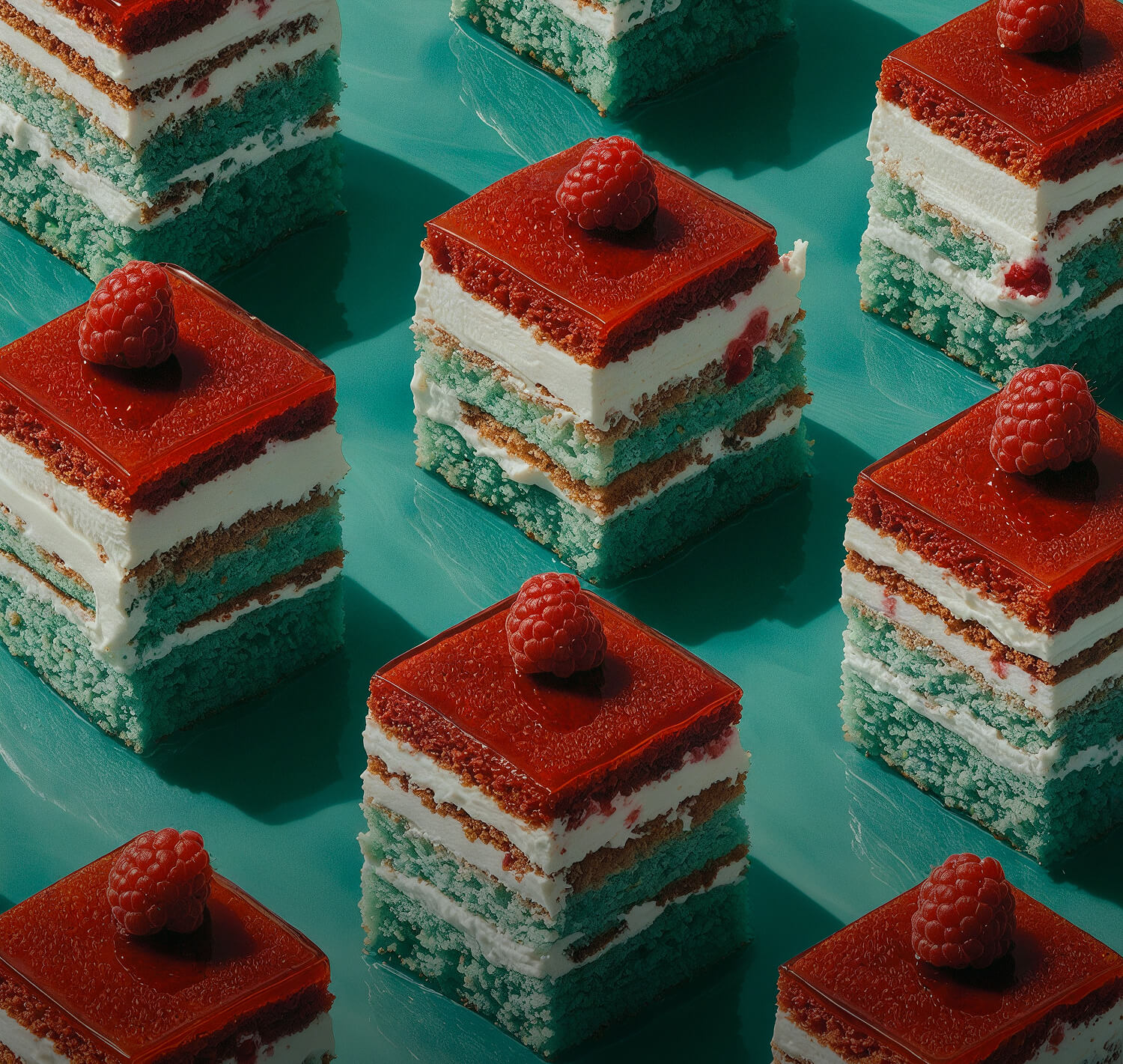
Product visualization is the backbone of my freelance work. Brands come to me when photography can’t do what they need: impossible angles, products that don’t exist yet or animations that reveal what’s inside.
Accuracy Comes First
Every project starts with references, CAD data or the real product on my desk. I model in 3ds Max with obsessive attention to proportions, edges and tolerances. If the bevel is wrong, the whole image feels wrong.
Where Realism Lives
Photorealism comes from a few details most people never consciously notice.
Materials: Micro-scratches, fingerprints and subtle roughness turn a clean model into a believable object.
Light: Soft, controlled lighting that flatters the form and guides the eye.
Camera: Real-world lenses and depth of field so the render feels photographed, not generated.
Rendering With Redshift
I render with Redshift because GPU speed lets me iterate fast. More iterations mean more chances to find the frame that makes a product feel desirable.
Beyond the Still
Once the scene is built, it becomes a platform. The same assets can power stills, product animations, social reels and even AR.
That flexibility is where CGI really pays off for brands.
Have a product that deserves better visuals? Get in touch and let’s render it right.